Blog

  • The Super Mario Galaxy Movie Review

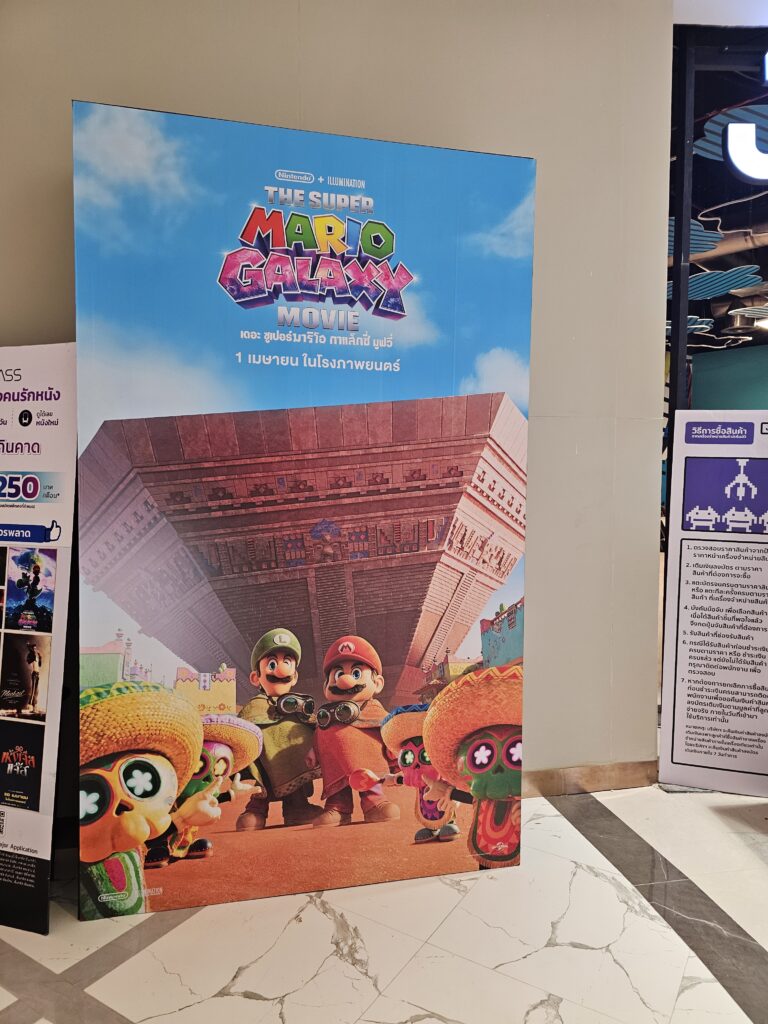
    Poster of The Super Mario Galaxy Movie near the theater where I first watched it.

    By now most of you have probably already watched the Super Mario Galaxy Movie, but some of you may be wating to watch it at home on Netflix or something. To save you some time, I will help you decide whether or not it is worth your time, hopefully without spoiling too much.

    Firstly, 10/10 movie. I am obviously biased due to being a Mario fan, but it is a good movie. I actually watched it twice, the first time on release day, and the second time because we were bored and in a mall with a movie theater. It is definitely oriented towards kids, but any Mario fan will probably have a great time. I don’t know what the critics were watching, because I think they entered the wrong theater and watched Fornite gameplay instead of the movie, at least based on their reviews. If you want to enjoy the plot, it is recommended to bring your braincells because it is rather dense. If you want to enjoy the colors, then turning off your braincells is recommended. Finally, if you want to enjoy the references, keep your eyes open and your neurons ready.

    However, there are a few (mostly optional) prerequisites to enjoying the movie. Firstly, you should probably watch the first movie first, like a sensible person. Secondly, if you are not a mario fan or a general Nintendo fan, it is less likely you will enjoy the movie because you won’t understand the references. Third, medium size popcorn was not enough at the two movie theaters I went to, but how much popcorn you need is at your discretion. Fourth and finally, to fully understand the plot, it is recommended that you use your brain rather than staring at your phone.

    Overall Very Good Movie. Would Watch Again At Home. Now go watch it!

  • How to edit files on your computer (windows guide only)

    How to edit files on your computer (windows guide only)

    Are you a noob at computers?

    Are you so bad you literally can’t bother to edit a text file?

    Then this guide is for you!

    Step 1 in not being a noob:

    Install Notepad ++

    How?

    So you probably have an app on your computer, called notepad, so first go to https://notepad-plus-plus.org/ and then download the thing (listen if ur such a noob you can’t even click a download button how are you even here?) and then go into file manager, click “downloads” and then press the notepad++.exe whatever it’s called thing, and you will be taken to an installer, rule of the thumb is: if you don’t know what it does just click next. After this you will now be able to edit more kinds of files that are pretty much .txt files camouflaged under fancy names that tell about what they actually do.

    Ok cool now we have a better notepad and stuff

    now what if you wanna edit one?

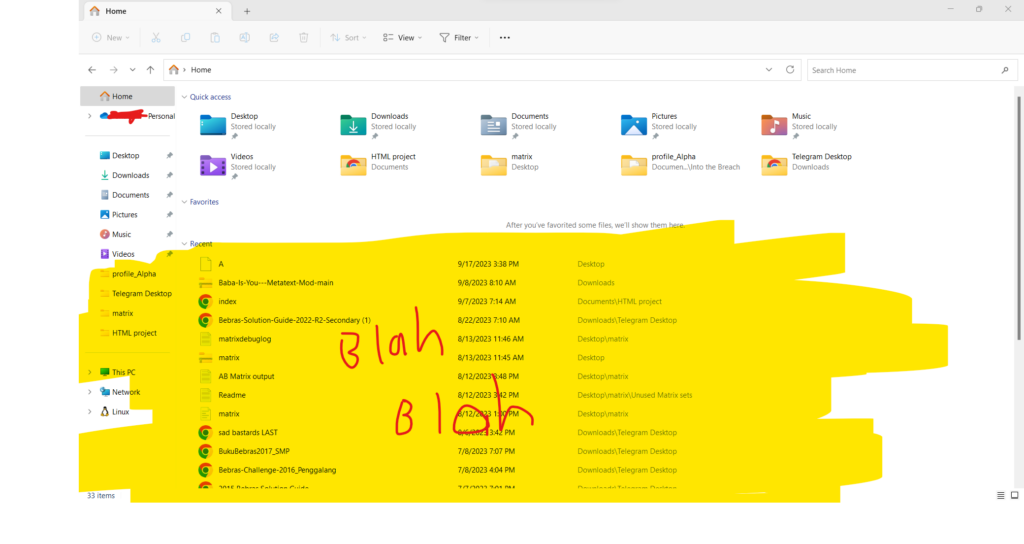
    lets start with a text file, when you open file manager it should look something like this:

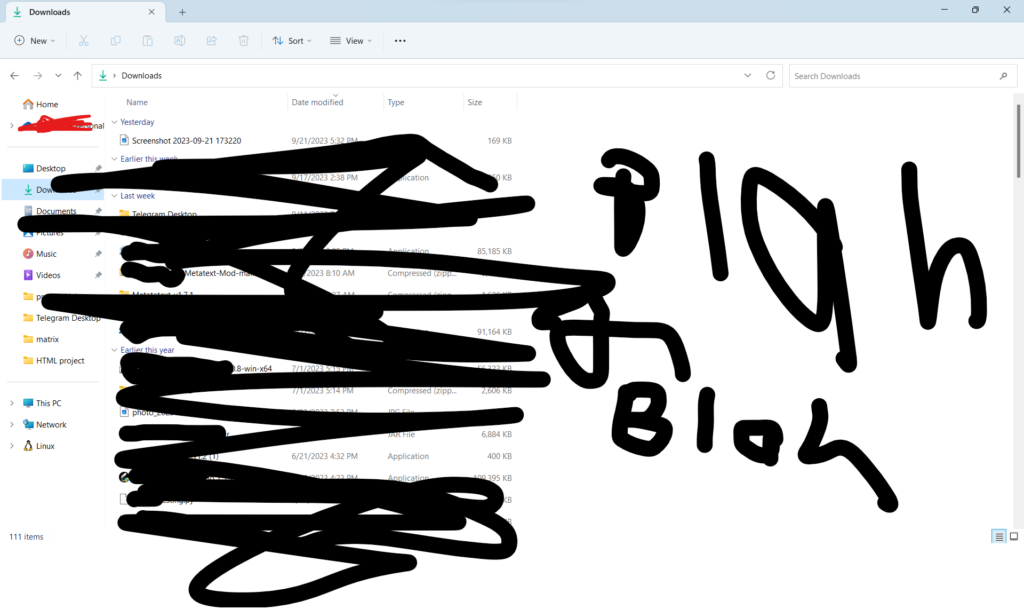
    so now that you have this page lets make a file to edit, first lets press the downloads button, which you’ve probably seen at least once before while installing things:

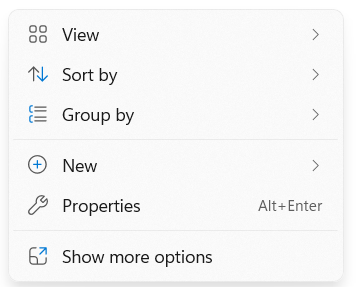
    this has been chosen because it’s something you can easily move from anyways, and it’s one of the tabs that you should be most familiar with, now right click to get the following popup:

    press new to make new file lol

    As the sequence breaking caption tells you, you should now press the new button

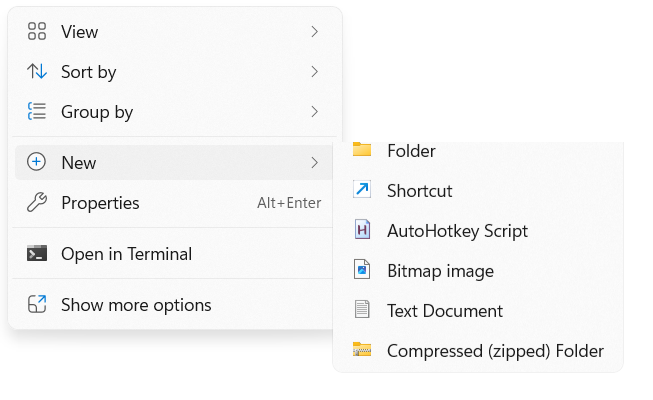
    oops where da image went
    now you can get this menu! now with 100% less sequence breaking captions and 100% more 4th wall breaking ones

    press the text file option to get greeted with a brand new file to name and edit!:

    like this!

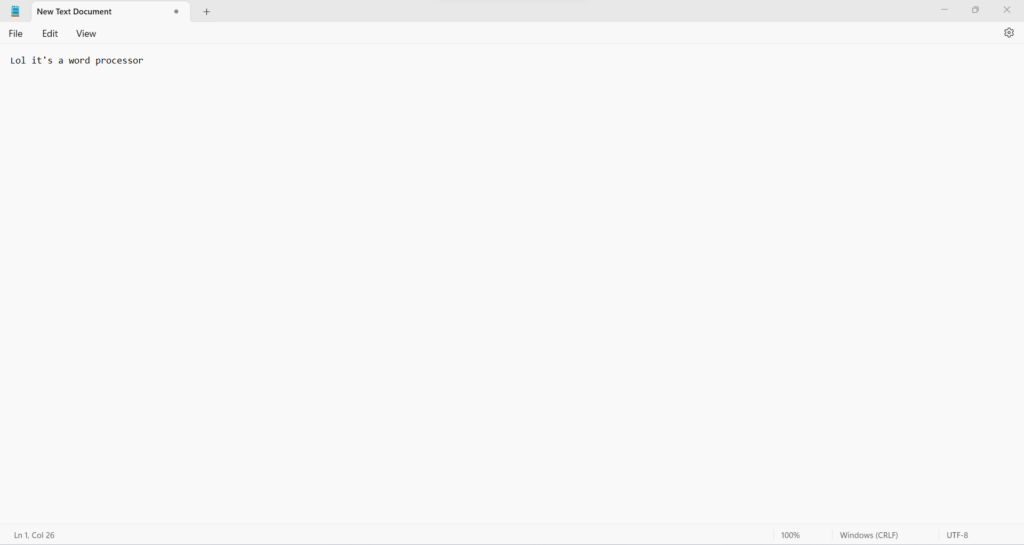
    once you name it, you get to edit it! it’s basically like word/google docs/other word processors , except if you get it wrong you may harm your data (such as when you’re hacking things into your save file in a game) here’s a picture:

    Remember to use Ctrl+S to save your files, you can tell if your file is saved or not by the star, if there is one it is not saved, if it isn’t there all changes made to the file have been saved.

    Don’t be afraid to follow other guides to edit save files, happy editing!

  • Video games I play

    I play Mindustry, Factorio, and Learning Factory among other things, what do you play? remember that the targeted audience of this post is children, and if you are not a child, please don’t reply

    Get in touch through Gmail at [email protected]

    I received all of my games from my dad, just so you know.

    Feel free to tell me if I messed anything up

  • Hello world!

    This is my first post on wordpress! this is a test post